

Event and ticketing system
Run your events, from registration to check-in
Tickets, registration forms, seating, agenda, exhibition booths and billing in one application – for conferences, courses, culture and club events.


Built for four kinds of events
Conferences
Courses and seminars
Culture with seated venues
Club and corporate events
What Quadrotix brings
One tool for tickets, registration, seating, check-in and billing – no add-ons required.
Tickets and bookings
Unlimited ticket types, quotas, sales periods and promo codes – including several codes on a single booking.
Registration form builder
Twelve field types, fields per person or per order, required fields, and a live preview of the guest view.
Seating plan
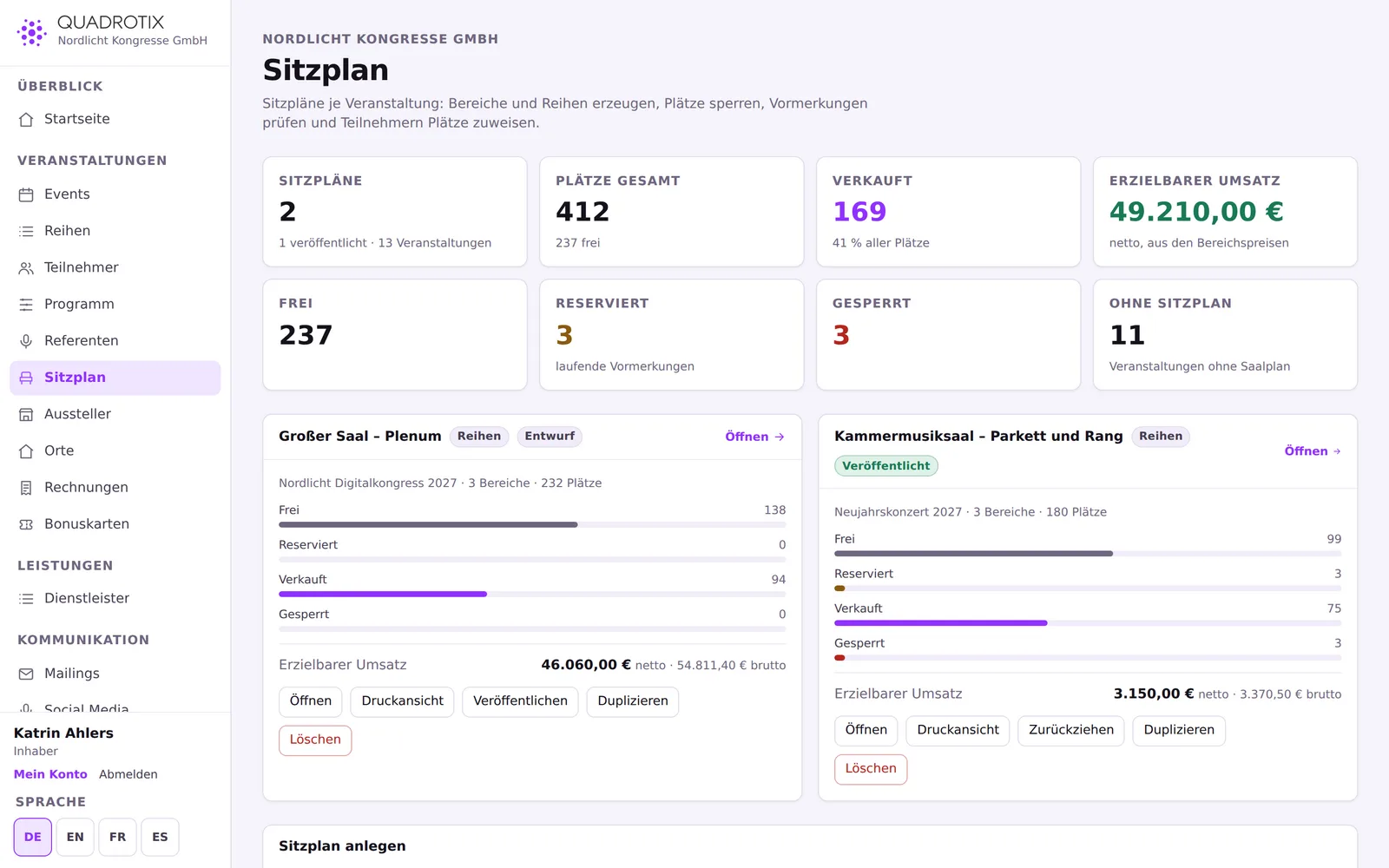
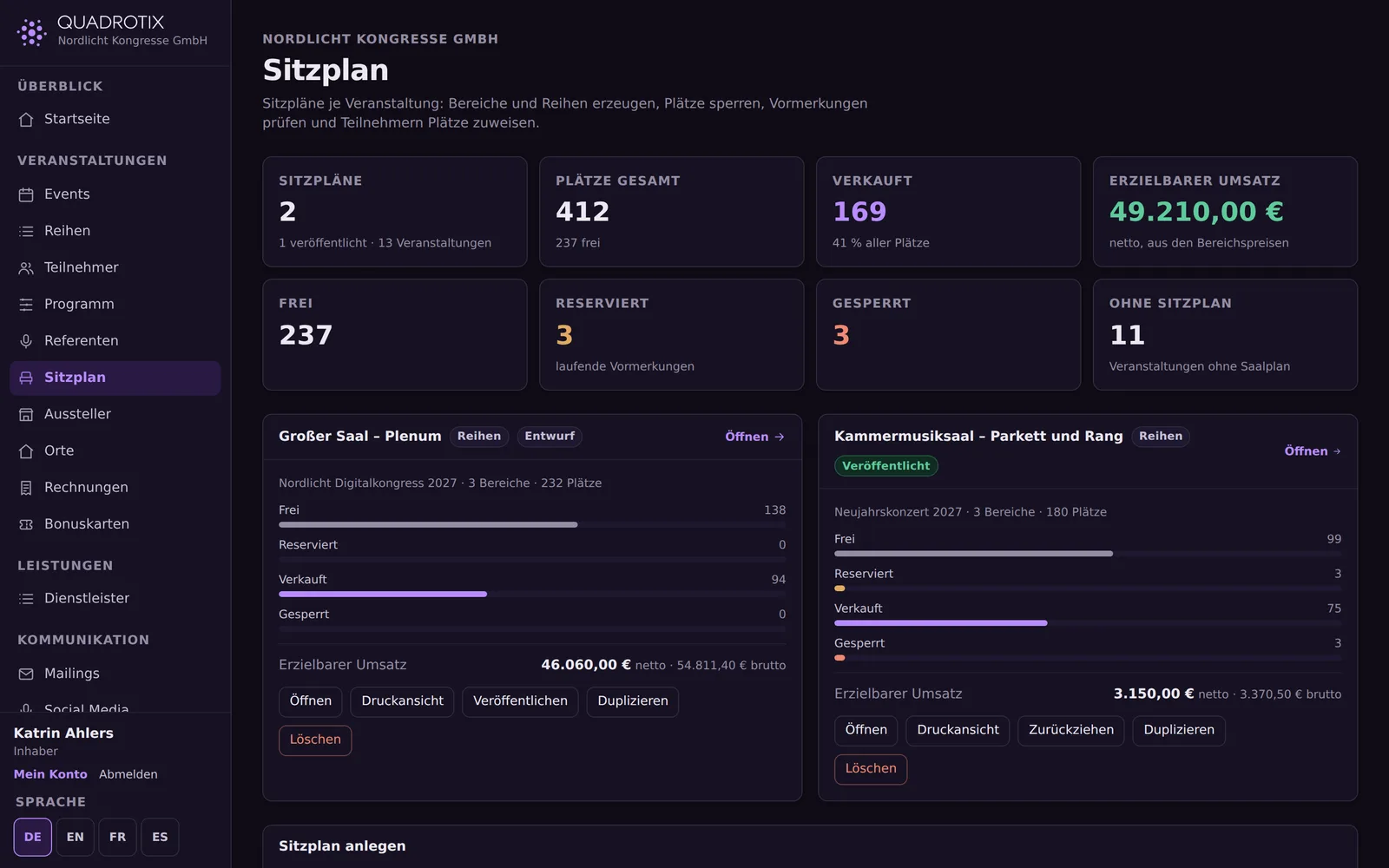
Numbered seats, table layouts and standing-room quotas in a graphical floor plan, with holds during checkout.
Agenda and speakers
A schedule with rooms as columns, automatic conflict checks, and a public call-for-papers form.
QR-code check-in
Scan with the phone's camera, no account needed for door staff, with a fallback via the ticket code.
Box office with cash closing
Take an on-site payment and let the guest in in one step, plus a cash-closing receipt with a running number.
Invoices and collective invoices
A single invoice or a collective invoice with one line per person; cancellations use a credit note instead of deleting.
Feedback surveys
Nine question types, tied to individual sessions or speakers, with averages and distributions in the results.
Loyalty cards
Collect points for regional loyalty programmes, with the credit and the posting to the provider kept cleanly apart.
API and webhooks
A writable REST API with idempotency and rate limiting, webhooks with signatures and a delivery log.


Trade fairs and congresses
Rooms, booths and orders in one place
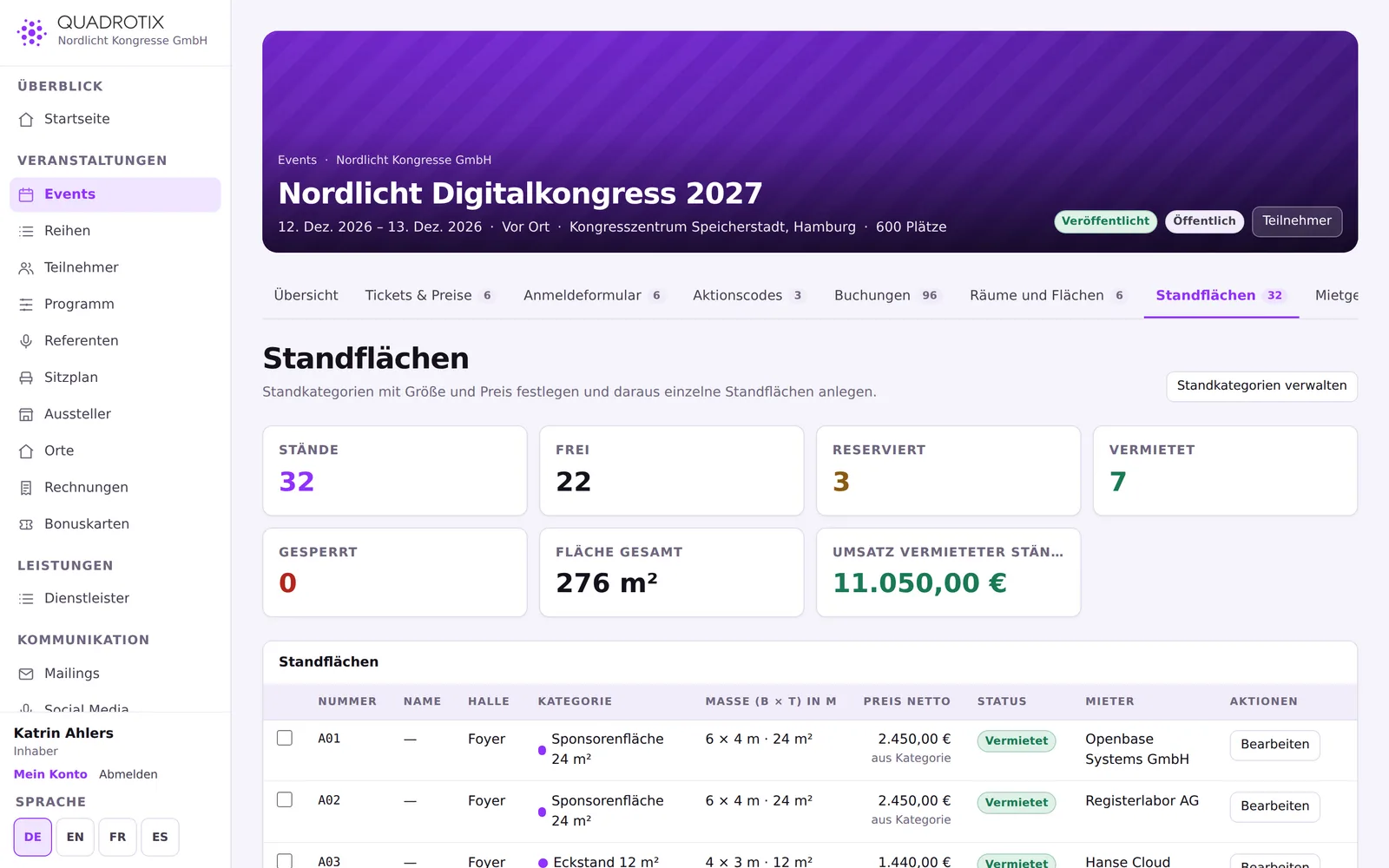
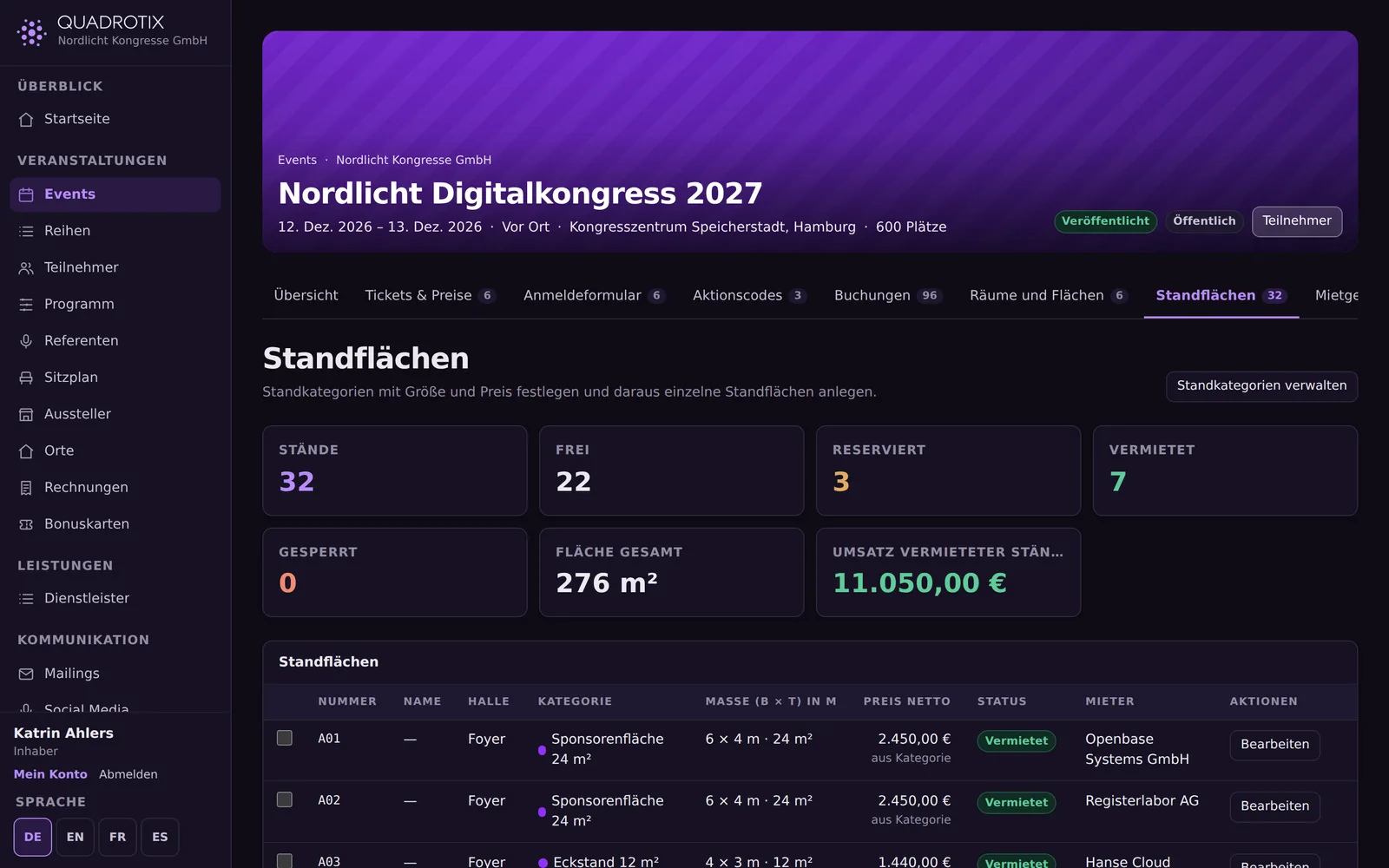
Define rooms with their size and seating layout, set up booth spaces with your own prices, list rental items – and let exhibitors order what they need themselves.
Rooms
Booth spaces
Rental items
Catering kept separate


Check-in runs on the phone
The ticket shows a QR code, and the check-in point scans it with the browser's camera – no app to install, and no account needed for on-site staff.


What you can rely on
- Your server, your dataThe application runs wherever you host it. You decide where the data lives.
- No sharing with third partiesThere are no embedded analytics or advertising services collecting data.
- Four languagesThe interface and public pages are available in German, English, French and Spanish.
- Fine-grained permissions35 individual permissions, and separate accounts for suppliers, exhibitors and customers.
- Open interfaceA writable REST API and webhooks, instead of being locked into a closed interface.
See Quadrotix in action
Log in or arrange a demo – we'll walk you through the application using your own kinds of events.